
Screenshots
App details
- Updated
- 2025-02-17T08:59:49.7212096Z
- Requires
- Windows 10 version 19041.0 or higher
- Language
- English
- Developer
- Rohit Kesharwani
- Category
- Mobile
SoftPas in:
This product is also available in the following languages:
About TCG Card Maker
Download TCG Card Maker – Trading Card Game Design Tool
Overview
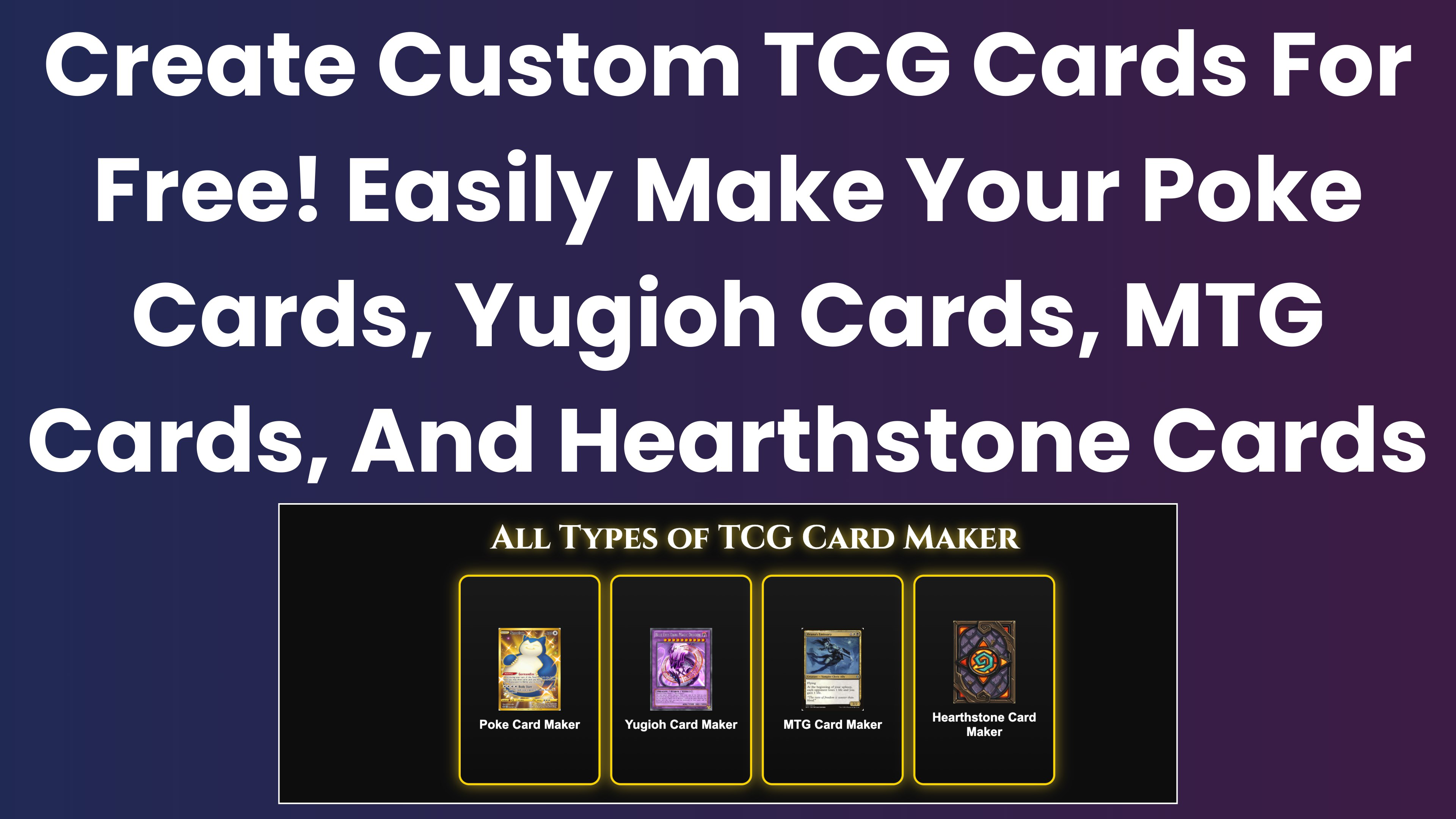
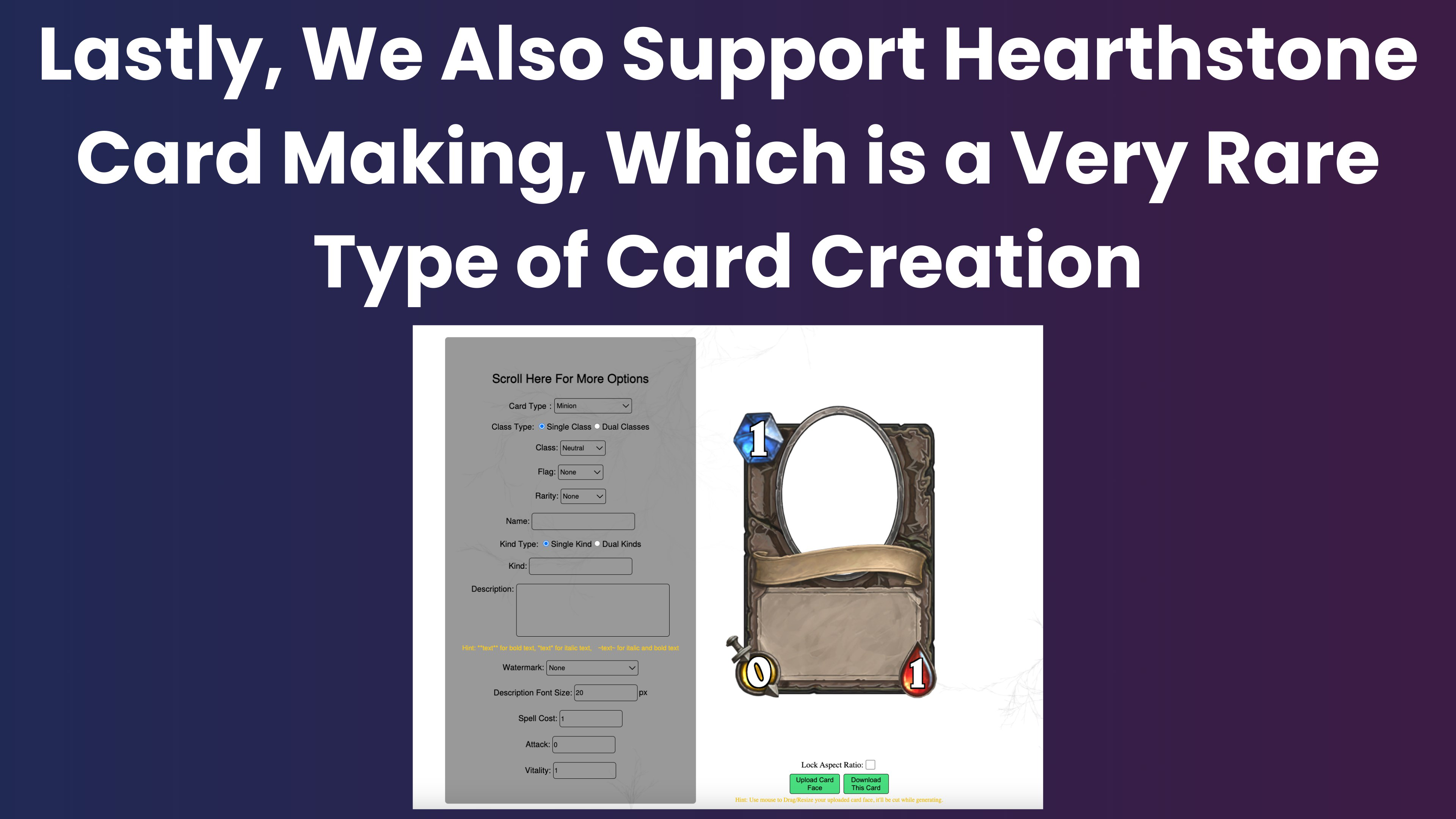
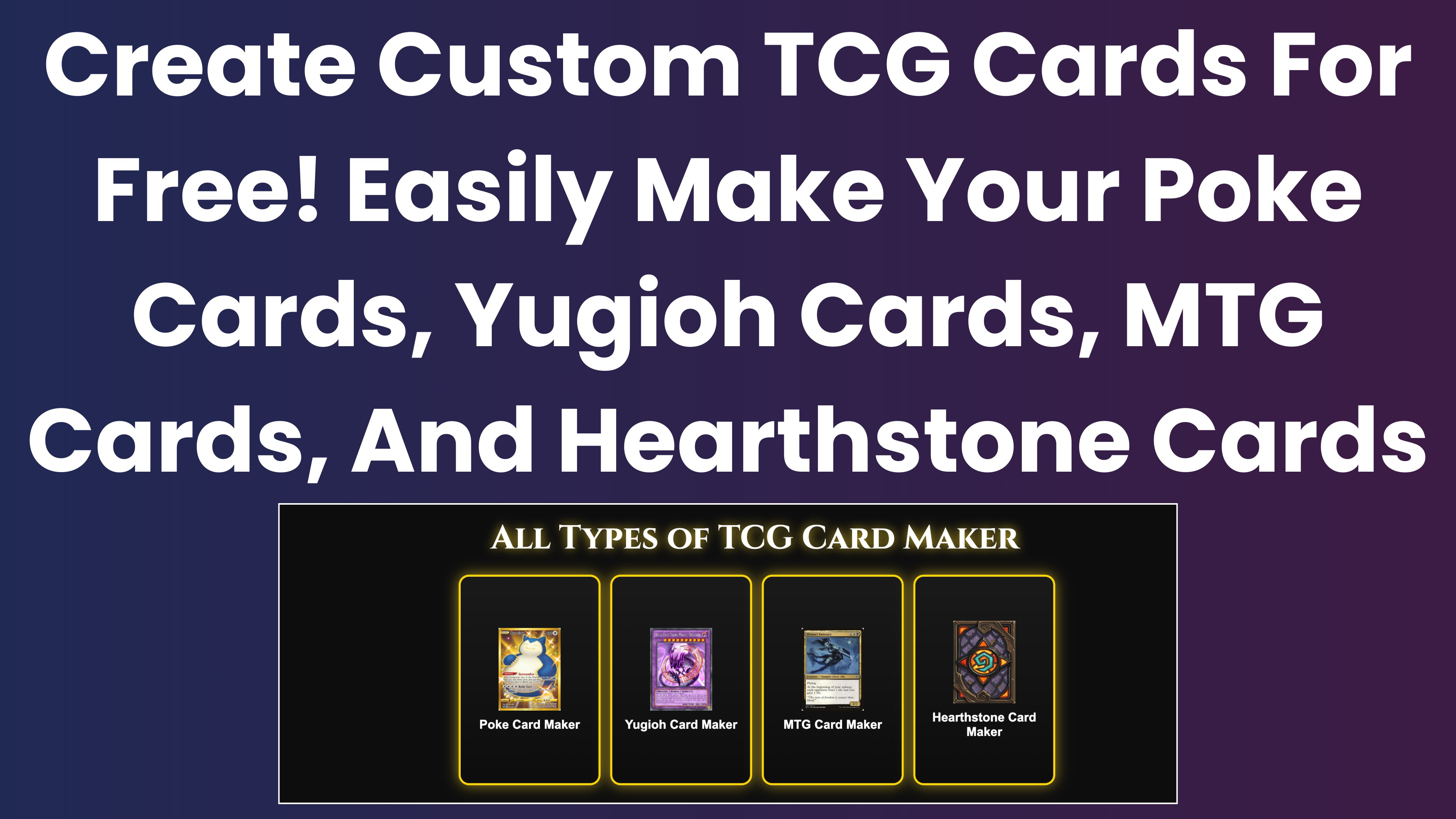
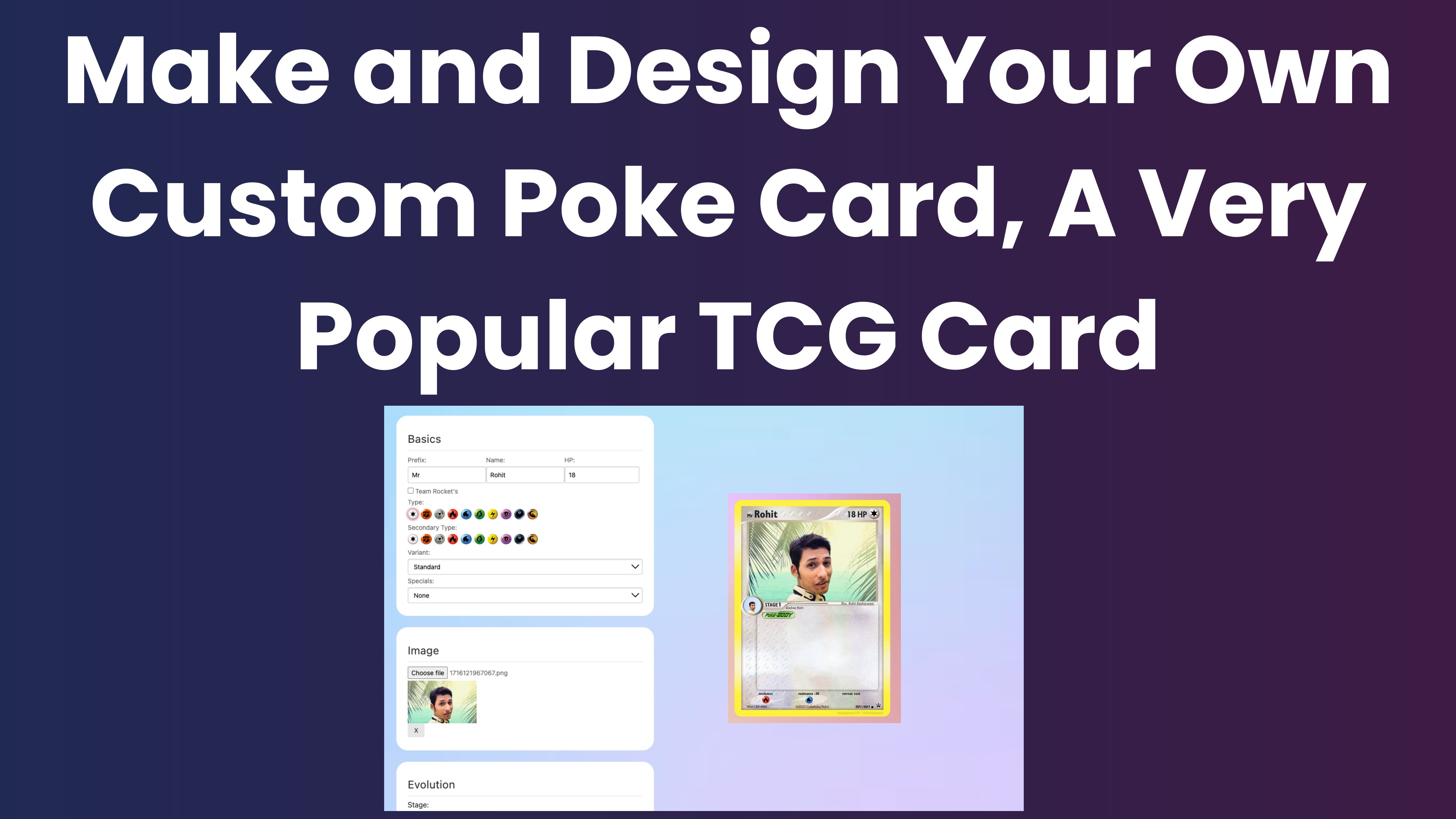
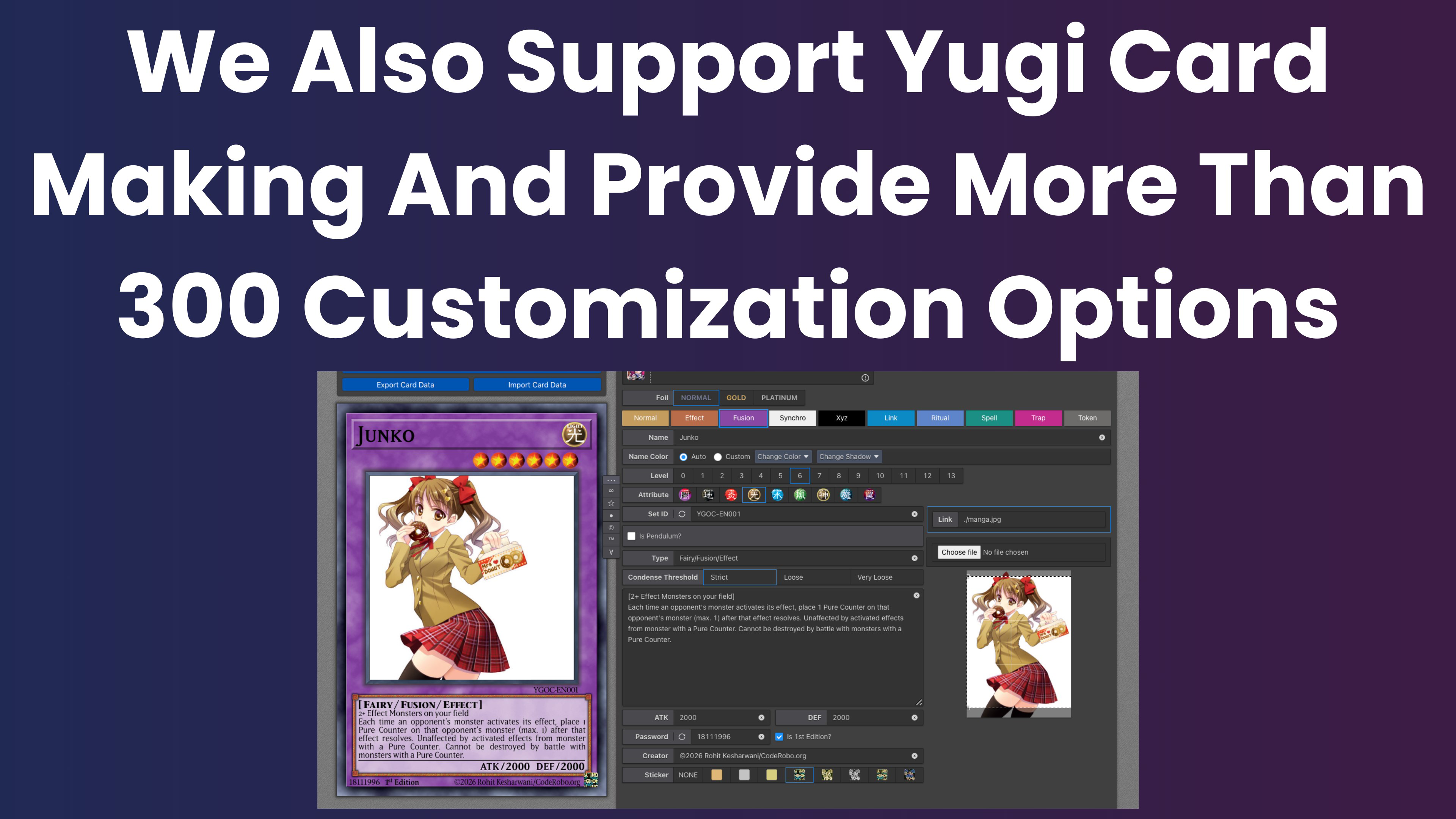
TCG Card Maker is a mobile application designed for fans of trading card games seeking to create custom, personalized cards. Tailored for enthusiasts of formats such as Pokémon, Yu-Gi-Oh!, Magic: The Gathering, and Hearthstone, the app serves as a creative toolkit for both casual users and dedicated card designers. Its primary purpose is to simplify the process of designing visually compelling and thematically consistent trading cards, enabling users to bring their imaginative concepts to life with minimal technical barriers.
The app targets hobbyists, tabletop game creators, and digital content producers who value customization and artistic expression. Whether crafting cards for personal collections, homebrew game expansions, or online communities, TCG Card Maker provides a structured yet flexible environment for design. It supports a range of popular card styles, ensuring that users can emulate the visual language of established TCGs while maintaining originality.
While the developer’s background is not publicly disclosed, the app’s focus on usability and creative freedom suggests a design philosophy centered on accessibility. In the broader mobile app ecosystem, TCG Card Maker fills a niche for utility tools that empower user-generated content. Its release on February 17, 2025, marks a timely addition to the growing market of creative mobile applications, offering a streamlined experience for digital card creation without requiring advanced graphic design skills.
Key Features & Functionality
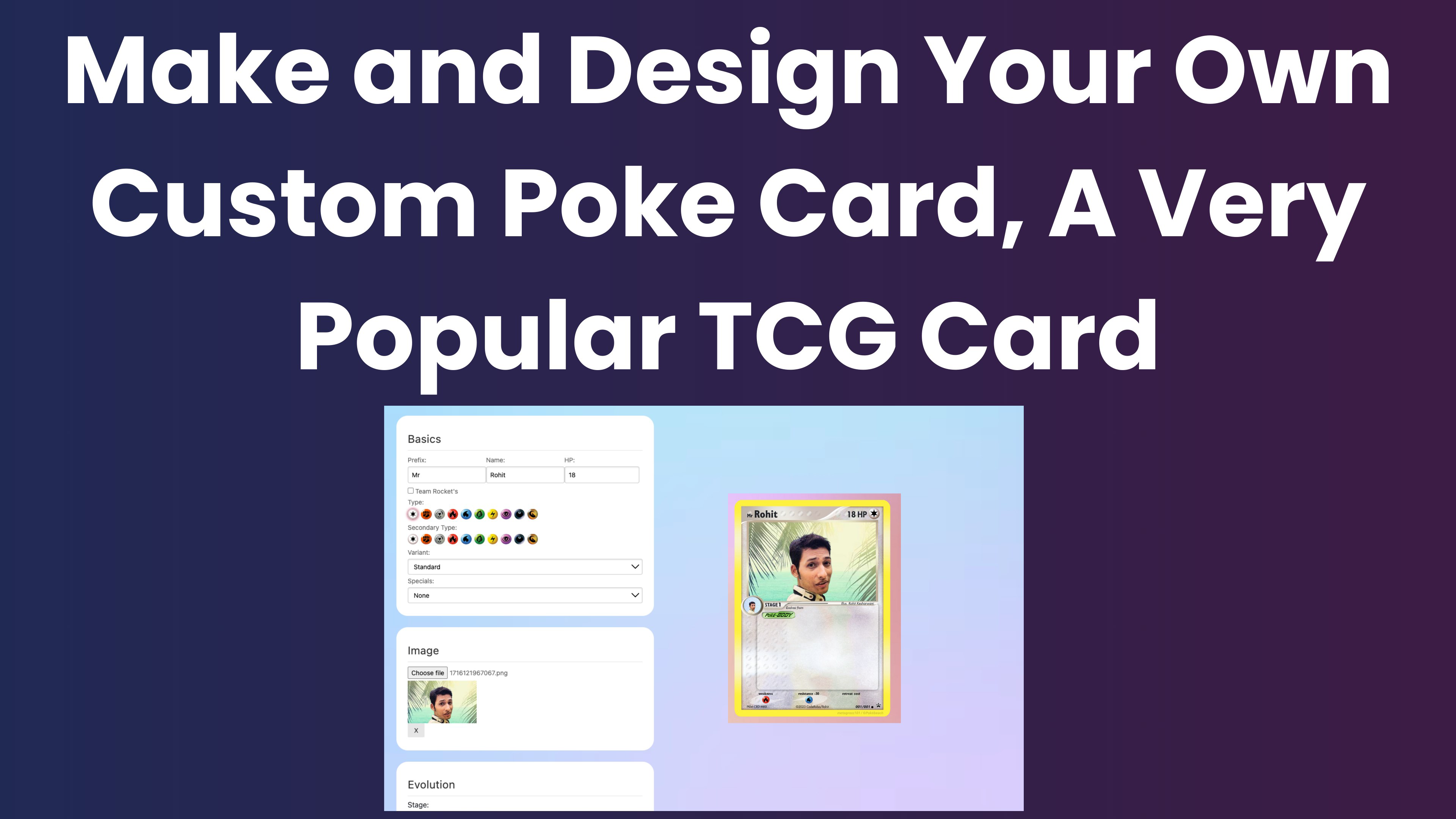
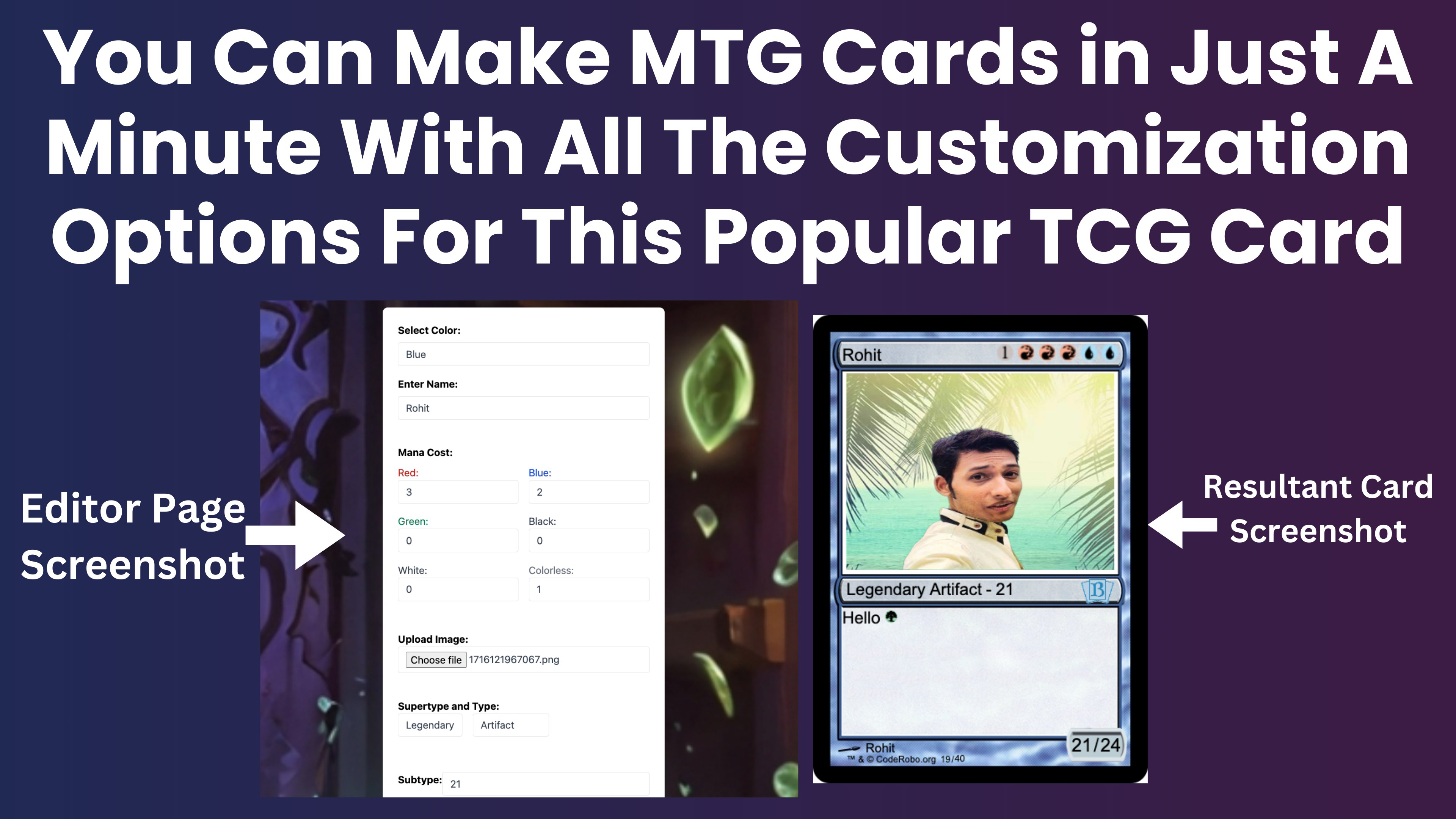
TCG Card Maker delivers a suite of features aimed at streamlining the card design process while maintaining creative control. The app’s core functionality revolves around an intuitive card editor, which allows users to modify essential card elements such as names, types, attributes, and abilities. This functionality is accessible through a drag-and-drop interface, making it approachable for beginners while still offering depth for more experienced users.
- User-Friendly Card Editor: A streamlined interface enables quick edits to card text, stats, and layout. Users can adjust fields with minimal clicks, reducing the time between concept and completion.
- Custom Image Upload: The ability to import personal artwork allows for unique, branded cards. This feature is particularly valuable for users building themed decks or personal universes.
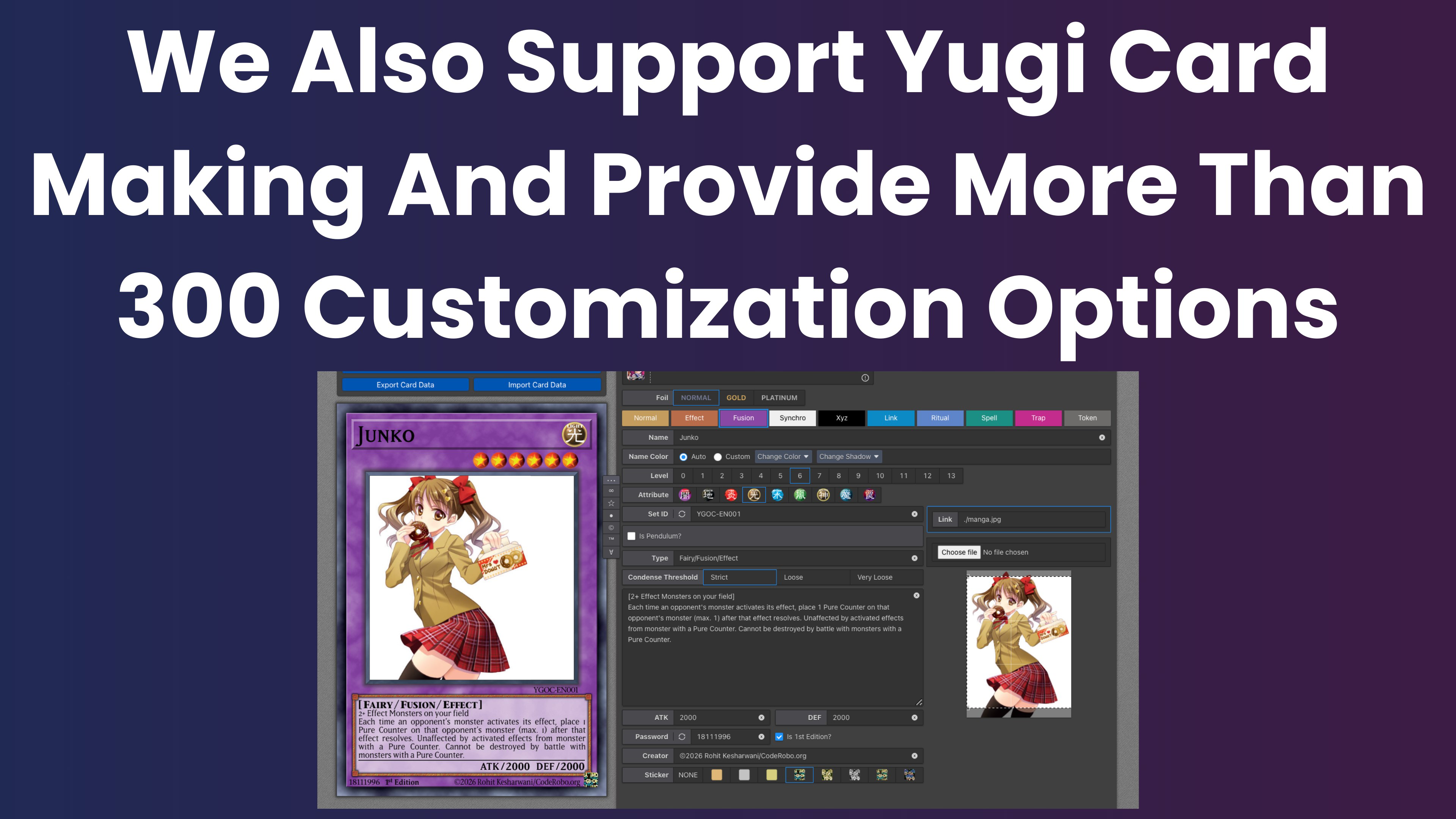
- Variety of Card Templates: Multiple pre-designed templates mirror the visual styles of major TCGs. Users can choose from different frame designs, text placements, and layout structures to match their desired aesthetic.
- High-Quality Downloads: Completed cards can be exported as high-resolution images, suitable for printing or sharing across digital platforms, ensuring clarity and visual fidelity.
- Flexible Design Workflow: The app supports iterative design, allowing users to preview, adjust, and finalize cards in a single session.
For example, a tabletop game designer might use the app to prototype new card mechanics for a homebrew game, while a collector could create commemorative cards for a personal collection. The app’s functionality is directly aligned with real-world use cases in creative content production and game development.
Interface, UX & Performance
TCG Card Maker presents a clean, visually organized interface that prioritizes usability. The layout is structured around a central card preview area, flanked by editable fields and template selection tools. Navigation is linear and consistent, guiding users through the design process in a logical sequence. The visual style is minimalistic, avoiding clutter while emphasizing functionality.
Interaction is responsive, with immediate feedback when modifying card details or switching templates. The drag-and-drop functionality operates smoothly, reducing friction in the design workflow. Although the developer did not list formal performance metrics, the app appears optimized for standard mobile devices, supporting efficient operation across various screen sizes and resolutions.
Stability is maintained during typical usage scenarios, with no reported crashes or freezes in standard workflows. The app handles image uploads and exports without significant delays, indicating efficient memory and processing management. While specific device compatibility details were not provided, the interface adapts well to both portrait and landscape orientations, enhancing usability on diverse devices.
Platform Compatibility & Technical Requirements
TCG Card Maker is available on Android and iOS platforms, making it accessible to a broad range of smartphone users. The app’s latest version was released on February 17, 2025, ensuring users have access to the most recent features and updates. The file size is listed at 48.2 MB, which is within the typical range for creative utility apps, suggesting a lightweight footprint that does not strain device storage.
Specific requirements such as minimum OS version, RAM, or processor specifications were not disclosed by the developer. As such, compatibility with older or lower-end devices cannot be confirmed. The developer did not specify minimum OS requirements, so users are advised to ensure their device meets general Android or iOS standards for app installation.
Pros and Cons
Pros
- Intuitive drag-and-drop interface ideal for beginners and experienced users.
- Supports multiple TCG styles, including Pokémon, Yu-Gi-Oh!, MTG, and Hearthstone.
- Allows custom image uploads for personalized artwork integration.
- Offers high-quality image exports for printing and digital sharing.
- Lightweight file size (48.2 MB) with efficient resource usage.
Cons
- Developer did not provide detailed technical specifications or OS requirements.
- Specific performance benchmarks or device compatibility were not listed.
- No cloud sync or project saving feature was mentioned.
- Offline functionality may be limited without further clarification.
- Advanced design tools (e.g., layer management, vector editing) were not indicated.
FAQ
Is TCG Card Maker free to download?
The app’s pricing structure was not specified. Users should check the app store listing for current pricing and availability.
Can I use my own artwork in the card designs?
Yes, TCG Card Maker allows users to upload custom images to personalize their cards, enabling unique artistic expression.
Is the app available on both Android and iOS?
Yes, the app is compatible with both Android and iOS platforms, though specific OS versions were not listed.
How do I save or export my finished card?
Users can download completed cards as high-quality images, suitable for printing or sharing digitally.
Does the app support cloud storage or project backups?
There is no information available about cloud sync or backup features. Users should manage their designs locally.
Final Thoughts
TCG Card Maker stands out as a focused, accessible tool for anyone passionate about trading card game design. Its blend of intuitive controls, customizable templates, and high-quality output makes it a valuable asset for hobbyists, game creators, and digital artists. While some technical details remain unspecified, the app delivers on its core promise: empowering users to design and share unique cards with ease.
Whether you're building a personal collection, prototyping a new game, or simply exploring your creativity, TCG Card Maker offers a seamless experience tailored to modern smartphone use. Its lightweight design and platform versatility ensure broad accessibility.
Download TCG Card Maker now
Guides & Tutorials
How to install TCG Card Maker
- Click the Download button above.
- Once redirected, accept the terms and click Install.
- Wait for the TCG Card Maker download to finish on your device.
How to use TCG Card Maker
This software is primarily used for its core features described above. Open the app after installation to explore its capabilities.
User Reviews
No reviews yet. Be the first to share your experience.
You may also like
more
Que no te pillen¡
About !Que no te pillen¡Reviewed by Jason A. BilbreyShow MoreShow Less

3D Combat Zone
About 3D Combat ZoneOriginally released in 1983, 3D Combat Zone immerses players...

666: El día del portal
About 666: El día del portalOn June 6, 2006, Agent P. Stone uncovers a sinister...

80 in 1 Best Flash games
About 80 in 1 Best Flash games 80 in 1 Best Flash games is a collection of 80 fl...

ABYSS SEEKERーーWhat Do You See Deep in The Abyss
About ABYSS SEEKERーーWhat Do You See Deep in The AbyssIn ABYSS SEEKER, players...

ACA NEOGEO THE KING OF FIGHTERS 2002 for Windows
About ACA NEOGEO THE KING OF FIGHTERS 2002 for WindowsTHE KING OF FIGHTERS 2002,...